Available in: Axsy Mobile for Salesforce, Axsy Field Service, Axsy Public Sector, Axsy Retail Execution
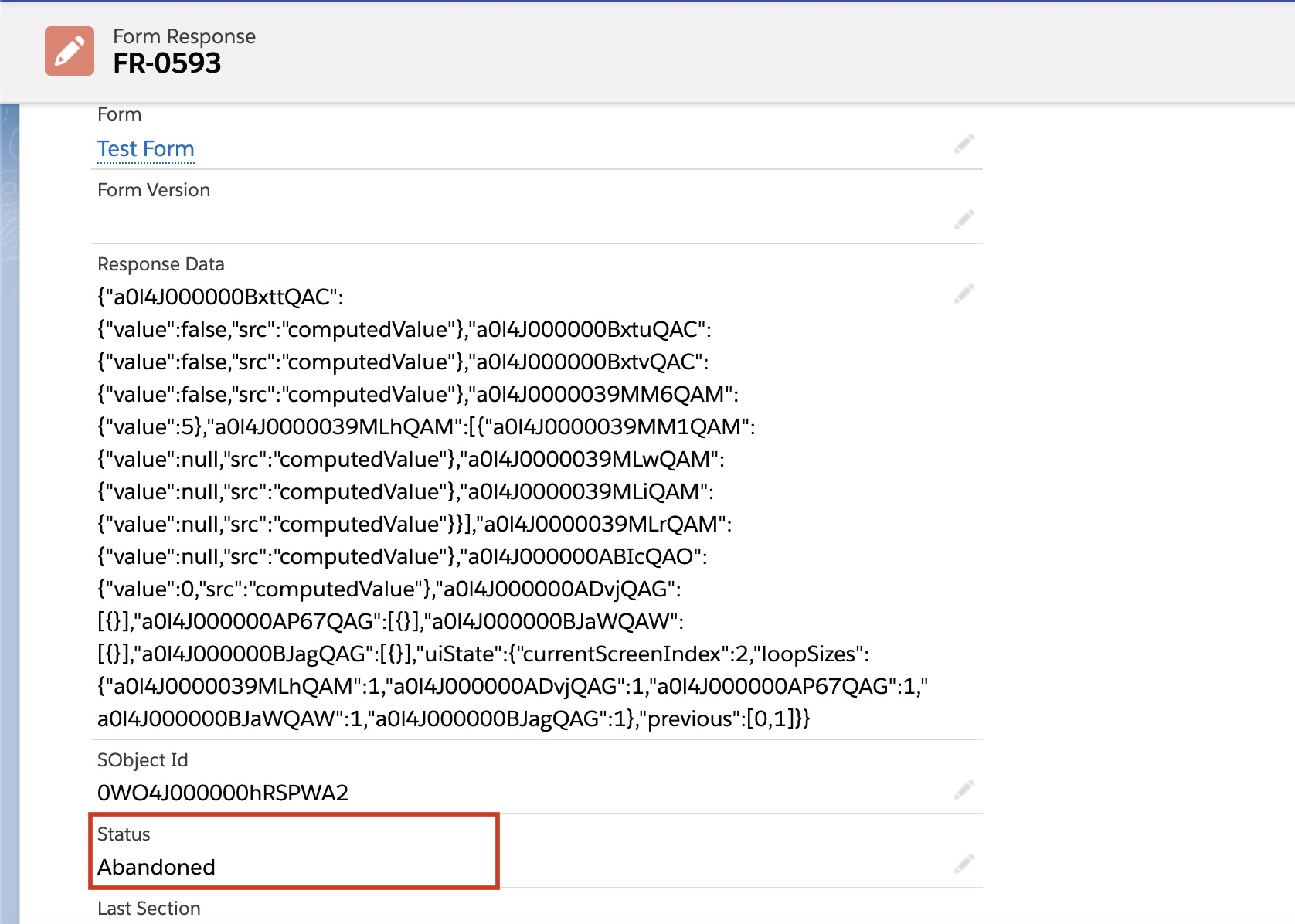
There are four Form Response statuses that will be sent back to Salesforce when a user has started or finished a Smart Form. This is available in the Form Response's Status field.
Form Response Status Definitions
Response Status | Definition |
|---|---|
| Draft | The Form has been started but is not yet complete, either because it is in-progress or the mobile user has exited the Form but has chosen to save and continue the form later. |
| Abandoned | The Form was started but the user exited the Form before completion and chose not to save progress. Everything completed up until the user chose to abandon the Form will be sent in the Form Response back to Salesforce. |
| Completed | The user has completed the Form but there are still mapping/file uploads that are pending. |
| Completed-Synced | The user completed the form and all updates have been synced to Salesforce. |
Example Status on a Form Response Record
When are Form Response Drafts Saved on Salesforce?
When the user is online on the Axsy Mobile App and is filling out a form, the Form Response gets saved as a Draft whenever the user:
- Taps the Next button to proceed to the next screen of the Smart Form.

- Exits the Form screen and selects Yes when prompted whether they want to save their progress.

Was this article helpful?
That’s Great!
Thank you for your feedback
Sorry! We couldn't be helpful
Thank you for your feedback
Feedback sent
We appreciate your effort and will try to fix the article